
NATIVE RUST & SLINT UI · WINDOWS 11 ARM64 & X64 100% Offline · Zero Telemetry

Type less, achieve more, and never repeat yourself.

.XPANDER is a minimalist, ultra-fast Windows utility that automates the text, rich formatting, and images you type every day—without heavy macros, complex scripts, or bloated apps that drain battery and RAM.

~4.6 MB Private RAM 0.0% Idle CPU 2.77 ns KeyBuffer x64 (Intel & AMD) ARM64 (Snapdragon & Surface)
★ NEW — Rich Text, Images & Floating Search Palette: Paste formatted text from Word, Outlook, and Teams or screenshots directly into snippets with Paste-and-Lock (.xblob compression), and press your .XPANDER shortcut whenever you forget a trigger to open the floating search palette—complete with image thumbnails and hover preview.
🔒 Secure AES-256-GCM Encryption: Safely synchronize your snippets across work and home PCs via OneDrive, Dropbox, or Google Drive with authenticated encryption at rest and Windows Credential Manager protection.
.XPANDER — Native Windows
0.0% CPU · ~4.6 MB
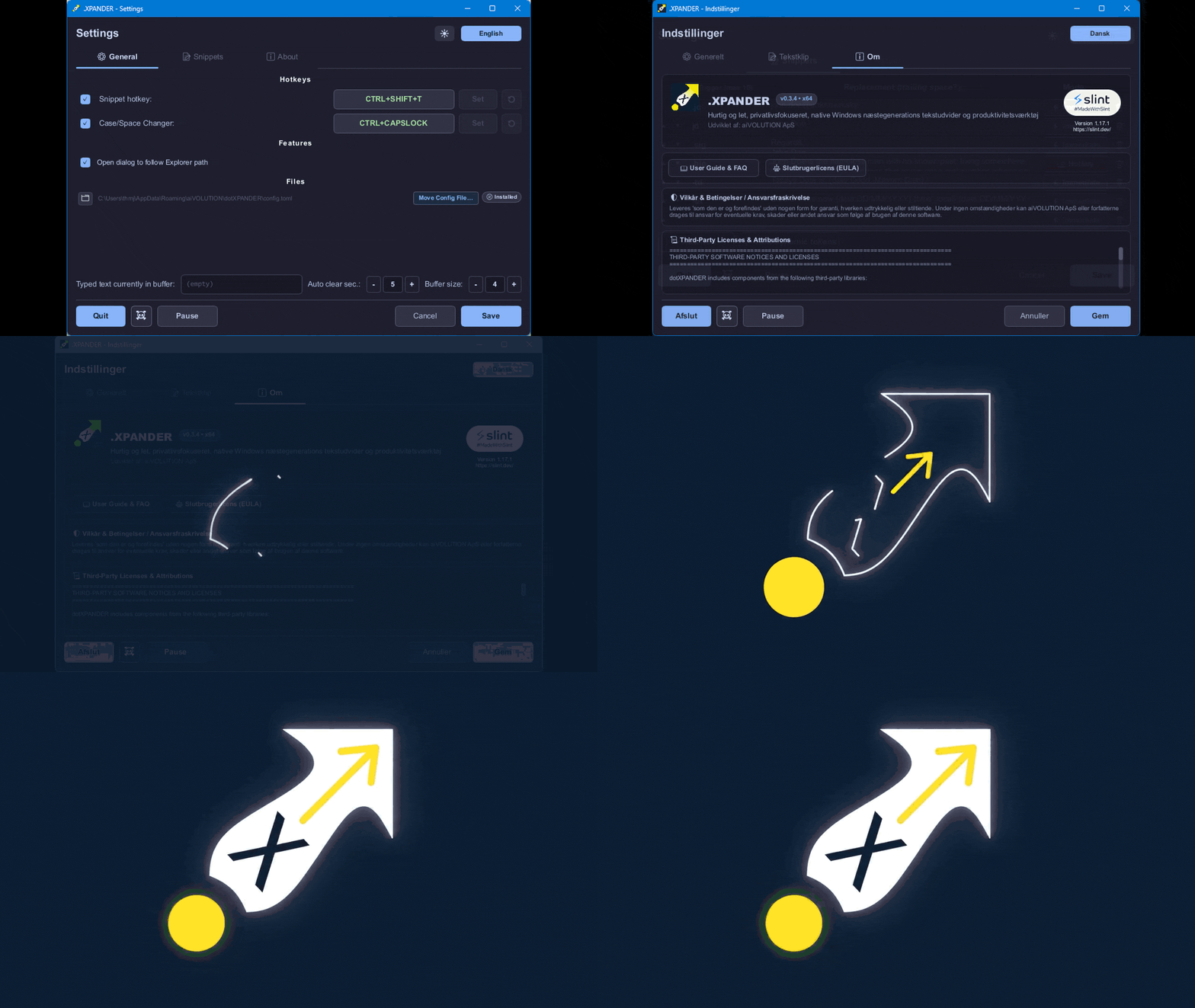
.XPANDER Live Action Showcase

.XPANDER runs completely invisibly in the system tray, using ~4.6 MB private RAM and 0.0% idle CPU across Outlook, CRM systems, IDEs, terminals, and browsers.

VERIFIED DISTRIBUTION · GITHUB RELEASES · WINGET · MS STORE v0.3.24
Windows 10 (1809+) & Windows 11 · No Admin/UAC Required

Download & Install .XPANDER

Choose your preferred deployment channel. Every binary is compiled natively for both x86_64 (Intel/AMD) and ARM64 (Qualcomm Snapdragon / Surface) and verified with SHA-256 checksums.

RECOMMENDED · NO ADMIN / UAC REQUIRED ✓ SHA-256 Verified

Per-User Setup Wizard

Installs cleanly to %LOCALAPPDATA%\Programs\aiVOLUTION\dotXPANDER without requiring Administrator elevation. Includes a custom cloud-sync folder wizard, optional Windows sign-in autostart, automatic running-instance upgrade detection, and downgrade protection.

🔒 Verify SHA-256 Cryptographic Checksums (checksums.txt)

Every GitHub Release automatically publishes SHA-256 hashes generated in CI. Verify your download in PowerShell with: Get-FileHash .\dotXPANDER-x64-Setup.exe -Algorithm SHA256

Asset Filename SHA-256 Hash
dotXPANDER-arm64-v0.3.24.zip ae88321d9c0cddf1bc92c2f3e4cd34df9ab3b3a93a81780c20fce678f00c36a6
dotXPANDER-x64-v0.3.24.zip fd469796aa8378d2655558b9610f48f253fd120cf74e8a546d0de7874440c543
dotXPANDER-arm64-Setup.exe 8ac8629da3b763b7e8a1d82baae1a891504c9328cb7bb828b4797d8586acf8fe
dotXPANDER-arm64.exe 844ce831f4ce45f29012fd6dbc11d6cfac6c500caf1ff6a2da420697c1e16bc0
dotXPANDER-x64-Setup.exe faf06d1e70684ffcf90ba4df80c853c5b75ae20475e033fb22ec922143170a97
dotXPANDER-x64.exe 9b0216c7652b9a78b4c0ee55ce847230a2efe802cbb95a2280e6d12dfc83cf64
CORE CAPABILITIES

One 4.6 MB Swiss Army Knife Instead of 5 Bloated Apps

Combine the 6 daily workflows that account for 95% of your keyboard & file dialog productivity inside a single, event-driven native Windows binary.

IMMEDIATE & HOTKEY MODES

Instant & On-Demand Snippet Expansion

Expand abbreviations the instant you type them (e.g. .sig → full email signature) or trigger expansions on demand with your configurable shortcut (Ctrl + Alt + X).

  • ▸ Zero-allocation circular ring buffer (2.77 ns keystroke push latency)
  • ▸ Configurable 2–10 character buffer with smart trigger-length alignment check
  • ▸ Full WinUI 3, Windows Terminal, Chromium, Word, Outlook & Teams compatibility
PASTE-AND-LOCK (.XBLOB)

Rich Text, Office Formatting & Image Snippets

Paste formatted tables/signatures from Word, Outlook, or browsers (HTML Format, RTF) or screenshots/images (CF_DIB, PNG) directly into any snippet with Ctrl + V.

  • ▸ Automatically locks with a 🔒 Rich or 🖼 Image badge (Ctrl + Shift + V for plain text)
  • ▸ Lossless LZ77+RLE compressed .xblob sidecar storage with automatic orphan cleanup
  • ▸ On-demand image preview modal with immediate working-set RAM release on close
FLOATING OVERLAY · CTRL+ALT+X

Floating Snippet Search Palette

Forgot a trigger? Press your .XPANDER hotkey with no trigger typed to summon a branded, frameless search palette centered on your active monitor.

  • ▸ Multi-word case-insensitive filtering across triggers and replacement text
  • ▸ Image snippet rows display live thumbnails with a 200 ms hover preview
  • ▸ Pick with ↑/↓/PgUp/PgDn + Enter or click to inject with zero backspaces
30+ FORMATTERS · 12 CLIPBOARD OPS

Dynamic Date, Time & Clipboard Tokens

Embed live, context-aware placeholders that evaluate at paste time—including ISO 8601 week numbers, localized English/Danish day & month names, and live clipboard transforms.

  • ▸ {iso_date}, {iso_time}, {date:Dddd, Mmmm D, YYYY}, {date:WW} (pure inline ISO week)
  • ▸ 12 clipboard transforms: {clipboard:upper}, {clipboard:camel}, {clipboard:filename}, etc.
  • ▸ Interactive draggable [💡 View dynamic tokens] reference modal with live previews
GLOBAL SHORTCUT · CTRL+CAPSLOCK

Case & Space Changer + Filename Sanitizer

Select text in any application and press Ctrl + CapsLock to transform case, normalize whitespace, or sanitize strings into valid Windows filenames in place.

  • ▸ UPPERCASE, lowercase, Title Case, Sentence case, lowerCamelCase, PascalCase
  • ▸ Trim extra spaces, convert to kebab-case or snake_case, normalize CRLF line endings
  • ▸ Windows Filename Sanitizer: strips < > : " / \ | ? *, trims dots, clamps to 255 bytes
FILE DIALOG FOLLOW-ME

Quick Switch (File Dialog Navigation)

Stop clicking through deep folder trees in Open/Save dialogs. Switch to an open File Explorer window with Alt + Tab and back—the dialog jumps straight to that folder.

  • ▸ Full support for Windows 11 multi-tab File Explorer via out-of-process COM (IShellWindows)
  • ▸ Smart ComboBoxEx32 guard ignores Explorer Properties windows automatically
  • ▸ 100% out-of-process via SetWinEventHook — zero DLL injection or system modification
.XPANDER PRO · UPCOMING RELEASE TEASER Windows Copilot+ · NPU Ready

Next-Generation Productivity with Local Windows Copilot+ AI

All features shown on this site are included in standard .XPANDER today. We are currently engineering .XPANDER PRO—bringing optional, 100% local Windows Copilot+ and NPU-accelerated AI capabilities directly to your keyboard workflow.

100% On-Device Local AI (NPU & CPU)

Powered by local Windows Copilot+ and on-device inference—your keystrokes and drafts never leave your machine.

Zero Cloud · Zero Telemetry

Maintains the exact same strict offline privacy guarantee as core .XPANDER: no external API calls, no subscriptions required for core expansion.

Built for ARM64 Snapdragon & x64

Designed from the ground up to leverage modern neural processing units (NPUs) alongside sub-millisecond Rust execution.

VERIFIED RESOURCE PROFILE & CRITERION BENCHMARKS

Why Native Rust Destroys Electron Utilities

Measured on Windows 11. Because .XPANDER sleeps on native Win32 message queues with zero background polling loops or garbage collection, it draws 0.0% CPU when you are not actively typing.

Resource consumption: .XPANDER vs. typical Web/Electron text expanders
Metric dotXPANDER (Native Rust) Typical Web / Electron Expanders
Idle CPU Usage 0.0% (event-driven, 0 ms idle CPU) 0.5% – 3.0% (timer loops / GC)
Private Committed Memory ~4.6 MB 120 MB – 250 MB
Working Set (RAM) ~12 MB (including OS DLLs) 180 MB – 350+ MB
Thread Count ~10 threads (Hook, UI, tray, OS) 12 – 24+ threads
Cold Startup Time ~30 – 70 ms 1,500 – 4,000 ms

Hot-Path Micro-Benchmark Latencies (cargo bench)

KeyBuffer::push 2.77 ns

Circular ring buffer insertion (zero heap allocation)

Config lookup (ArcSwap) 6.26 ns

Lock-free, wait-free configuration read

Trigger Scan (10 snippets) 9.34 ns

Backwards UTF-8 stream match on active typing

Exact Match Verification 8.46 ns

Direct trigger confirmation

Win32 CRLF Normalization 57.47 ns

UTF-16 byte buffer formatting

Multi-Format Clipboard Snapshot 34.14 µs

Captures & restores existing clipboard formats

SLINT SOFTWARE RENDERER · ZERO GPU BLOAT

3 Built-In Themes + Instant EN / DA Interface

Cycle effortlessly between the signature aiVOLUTION corporate theme (Deep Navy #0B1F3B & Cyber Yellow #FFF100), Classic Dark, and crisp Light mode across the Settings Window, Dynamic Token Reference, and Floating Search Palette.

.XPANDER EN | DA
.x → .XPANDER
.sig → 🔒 Rich Signature

aiVOLUTION Brand (Default)

High-contrast Deep Navy canvas with signature Cyber Yellow header bar and slate hairline borders.

theme = "aivolution"
.XPANDER EN | DA
.x → .XPANDER
.sig → 🔒 Rich Signature

Classic Dark

Low-glare dark workspace palette with soft sapphire accents for late-night coding and writing.

theme = "dark"
.XPANDER EN | DA
.x → .XPANDER
.sig → 🔒 Rich Signature

Daylight Light

Clean, native Windows 11 daylight appearance with crisp dark typography and classic blue controls.

theme = "light"